Twenty messages, no date.
Planora turns the group chat into a plan.
What are we doing Saturday?
You know how it goes.
Twenty messages.
No date.
Voice notes, polls, thumbs up.
Ideas get lost.
Nobody decides.
And the weekend comes anyway.
There's a
simpler way.
Here's how Planora works.

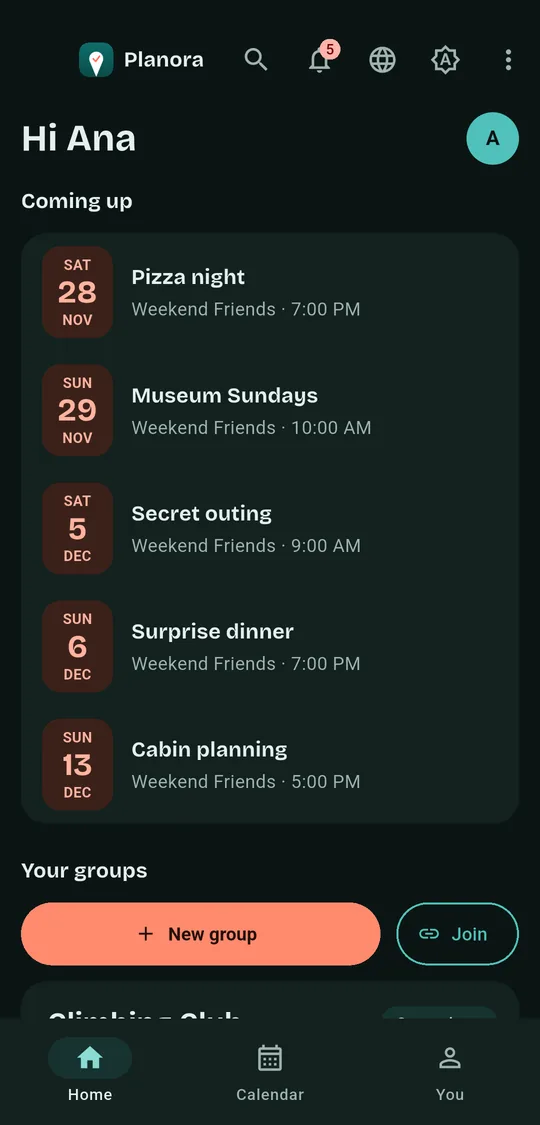
Every idea, in one place.
Anyone can suggest, nothing gets lost in chat.
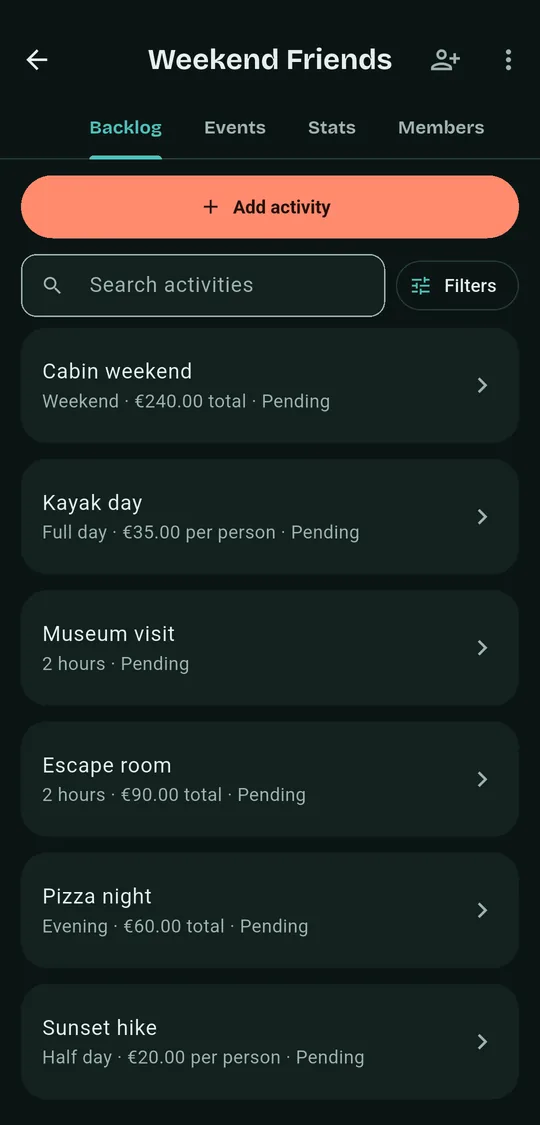
Pick the date together.
Available, maybe, unavailable: one tap each. The most chosen wins.
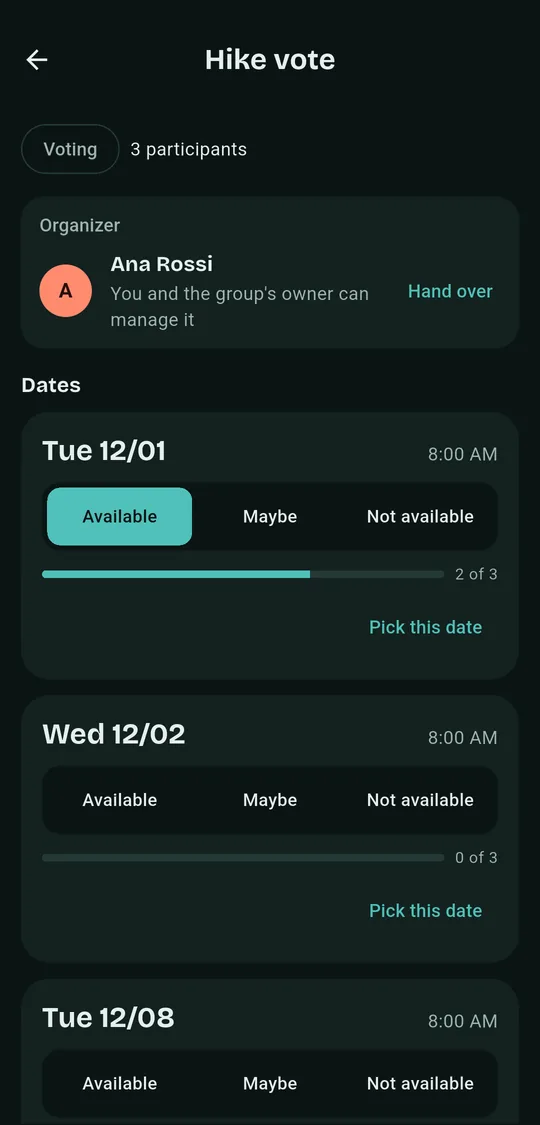
Confirmed. We're going.
Date, place and who's coming, with a reminder for everyone.
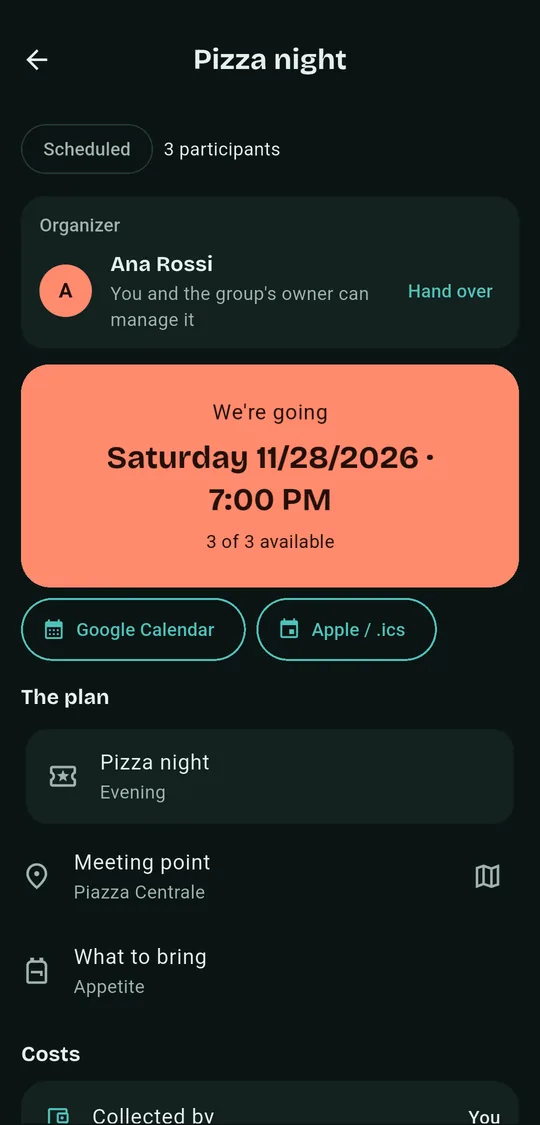
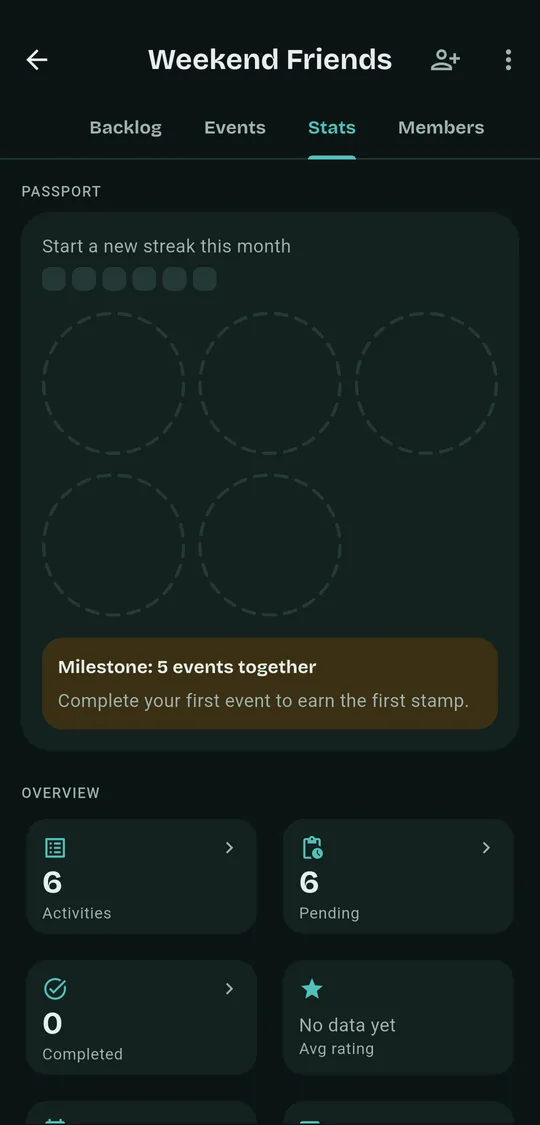
And it stays in the diary.
Group stats and passport: how many outings, where you've been.
No need to believe us.
Try it here.
Vote on a date: it's the same gesture as in the app, nothing to install.
Weekend Friends · Pizza night
When do we meet? Tap "I’m in" on the dates that suit you.
So what are we doing today?
Really decide it
On your phone or in your browser, nothing to install.
The app to plan outings with your friends
Planora is a free app for groups of friends: collect your ideas in one place, vote on a date that works for everyone and confirm the event, with a reminder for everyone going. It works in your browser, and it is coming soon to Android.
Frequently asked questions
Is Planora free?
Yes, it is free.
Do I need to install anything?
No. Planora runs in your browser at app.getplanora.org. On Android it is coming soon to Google Play as well.
How does the group pick a date?
The organiser suggests a few dates and everyone answers available, maybe or not available. Then the organiser confirms the date that suits most people.
How do I invite my friends?
With an invite link or code: whoever opens it signs up and joins the group, with its ideas and events.
Can I have more than one group?
Yes: friends, colleagues, family. One screen shows the next events of all your groups.
Do I get a reminder before the event?
Yes, the day before and two hours before, as a notification or by email.